Select
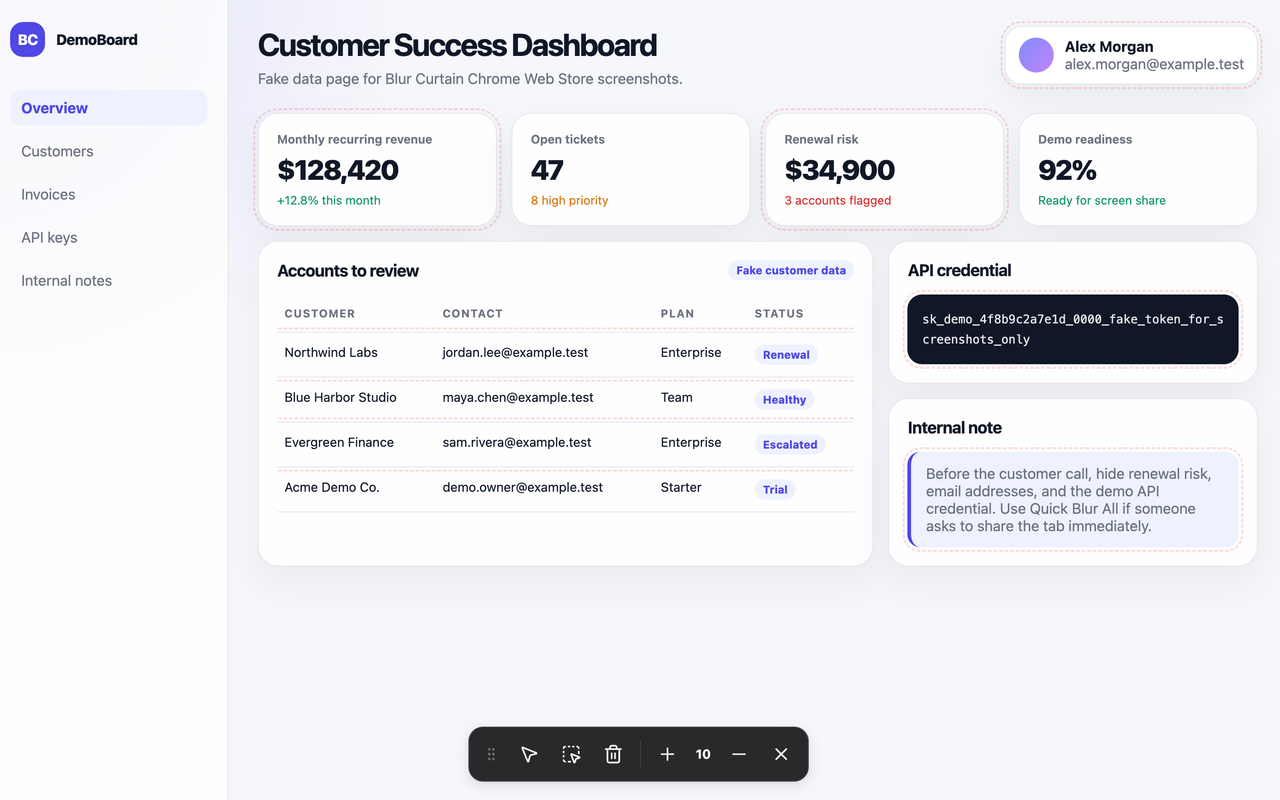
Click individual page elements to blur names, emails, values, tokens, or notes.
 Blur Curtain
Privacy for screen sharing
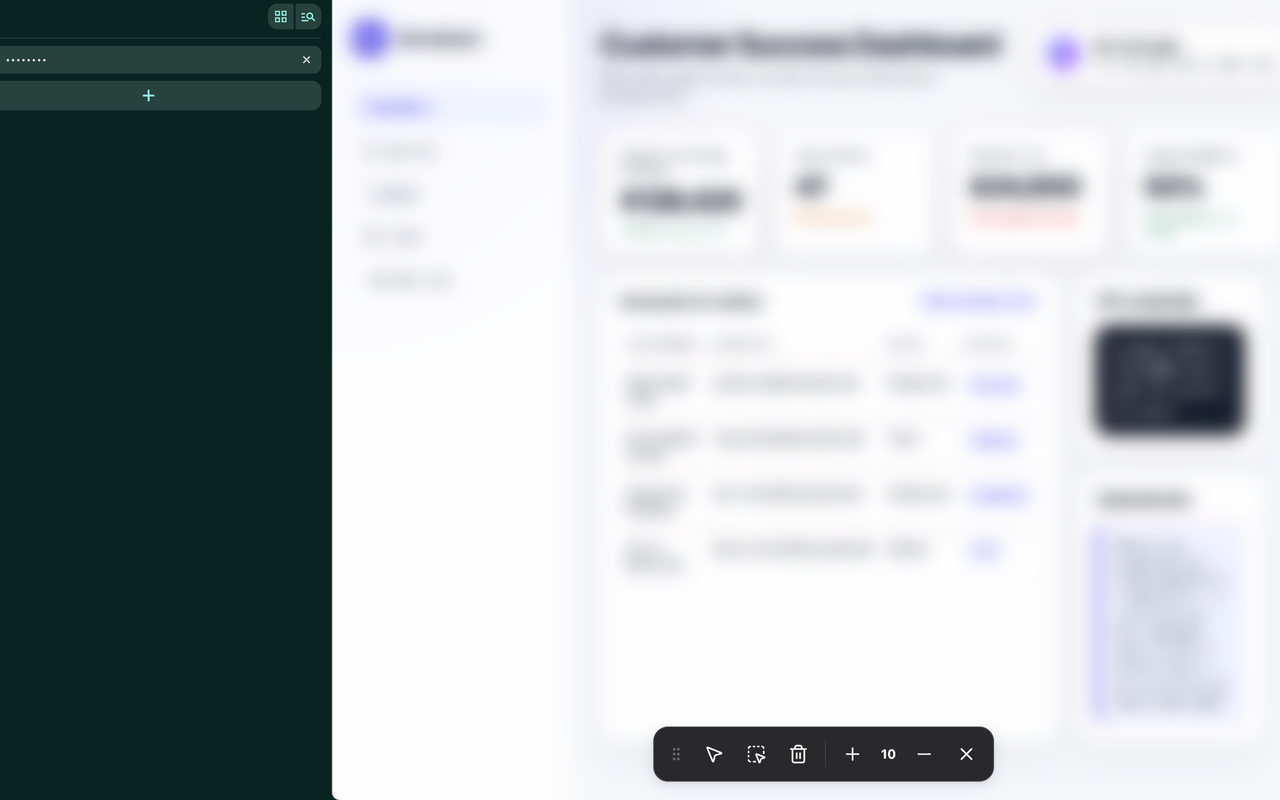
Select page elements, draw custom blur regions, or use Quick Blur All when you need the entire tab to go private fast.
Local-only blur controls. No page-content upload.
Popup, right-click menu, or Ctrl/Command+Shift+K.
Features
Blur Curtain keeps editing controls close to the page, so you can protect private information without switching tools.
Click individual page elements to blur names, emails, values, tokens, or notes.
Cover custom areas with blur rectangles that you can move, resize, reveal, or delete.
Make the active tab private immediately from the popup, right-click menu, or shortcut.
Fast privacy switch
Quick Blur All covers the page and masks the tab title for moments when you need privacy before the conversation continues.
Simple controls
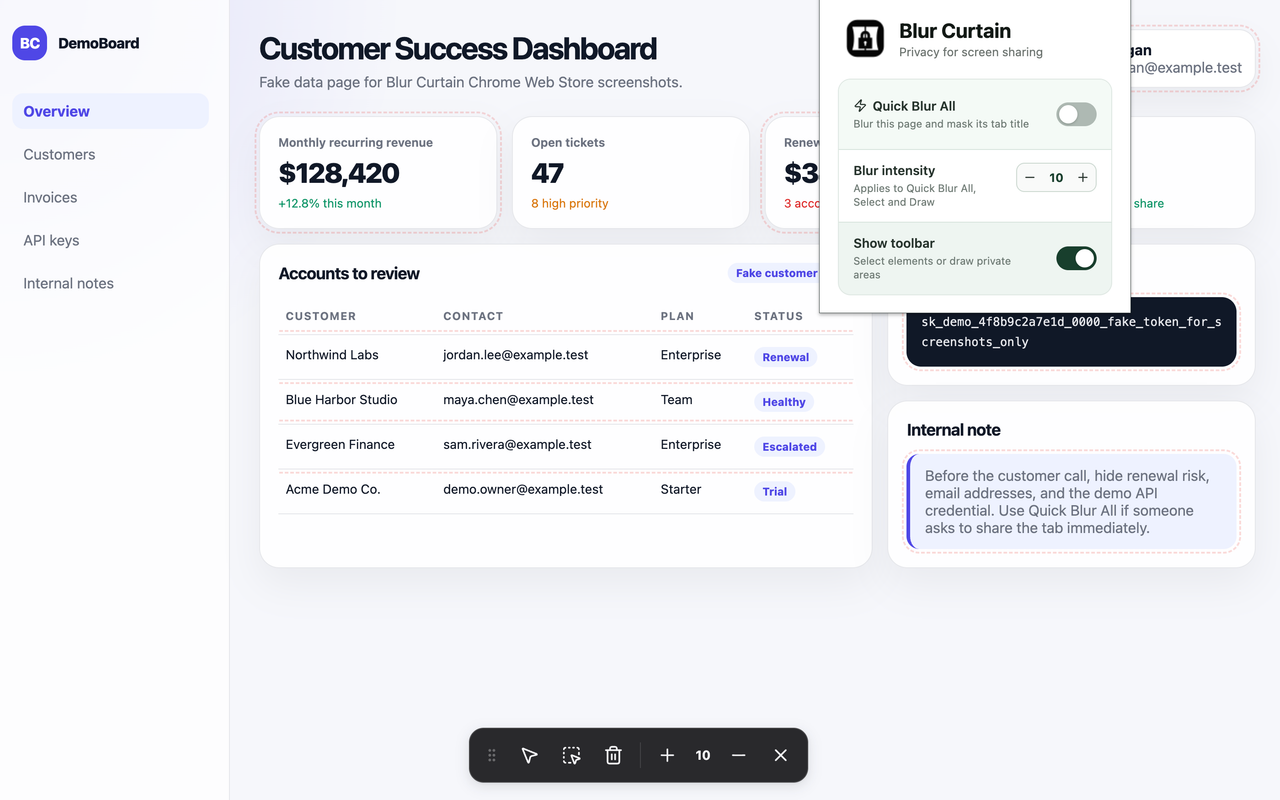
The browser popup controls Quick Blur All and toolbar visibility. The in-page toolbar remains the main editing surface for Select and Draw.
Local by design
Blur Curtain applies visual blur effects locally. It does not upload webpage content and does not require an account for the core extension.